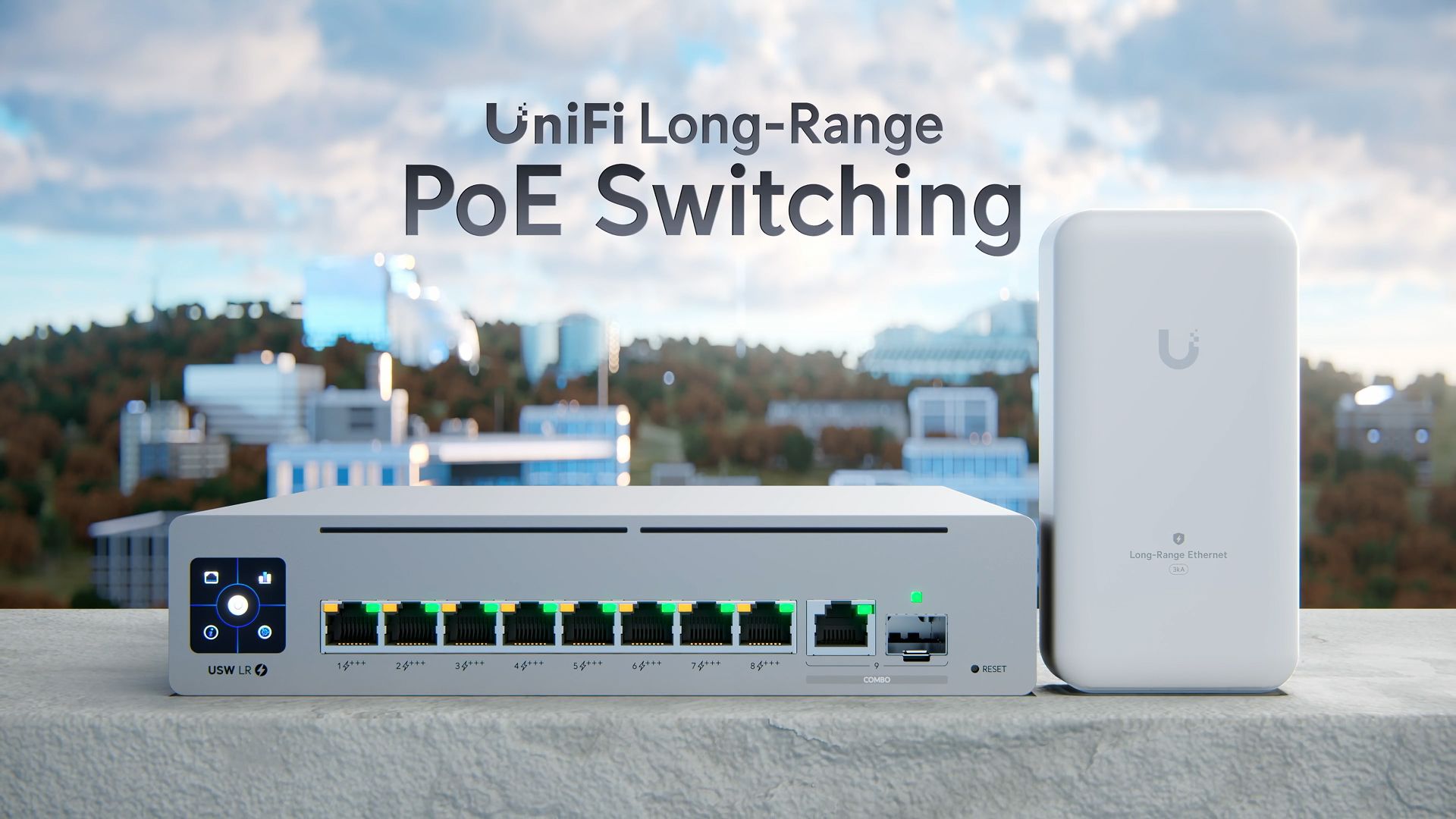
Power and Data Up to 800 Meters on One Cable: What UniFi Long-Range Really Delivers
Anyone who has installed cameras across a large property knows the scene: the comms room sits at one end, the camera you need is at the other, and there's far more than 100 meters in between. In late October 2026, Ubiquiti:Introducing UniFi Long-Range PoE Switching
👉 Watch the official video for full details
The 100-Meter Problem
Copper Ethernet tops out at 100 meters. Past that point, the usual fix is running fiber for data and solving power separately, whether through a local utility connection, a solar panel, or a power cabinet on site.
It works, but every option adds civil work, permits, hardware, failure points and time. For something as small as a gate access reader, the cost often feels out of proportion.
What Is UniFi Long-Range Switching?
It's a three-part system that extends PoE and data over a single cable up to 800 meters:
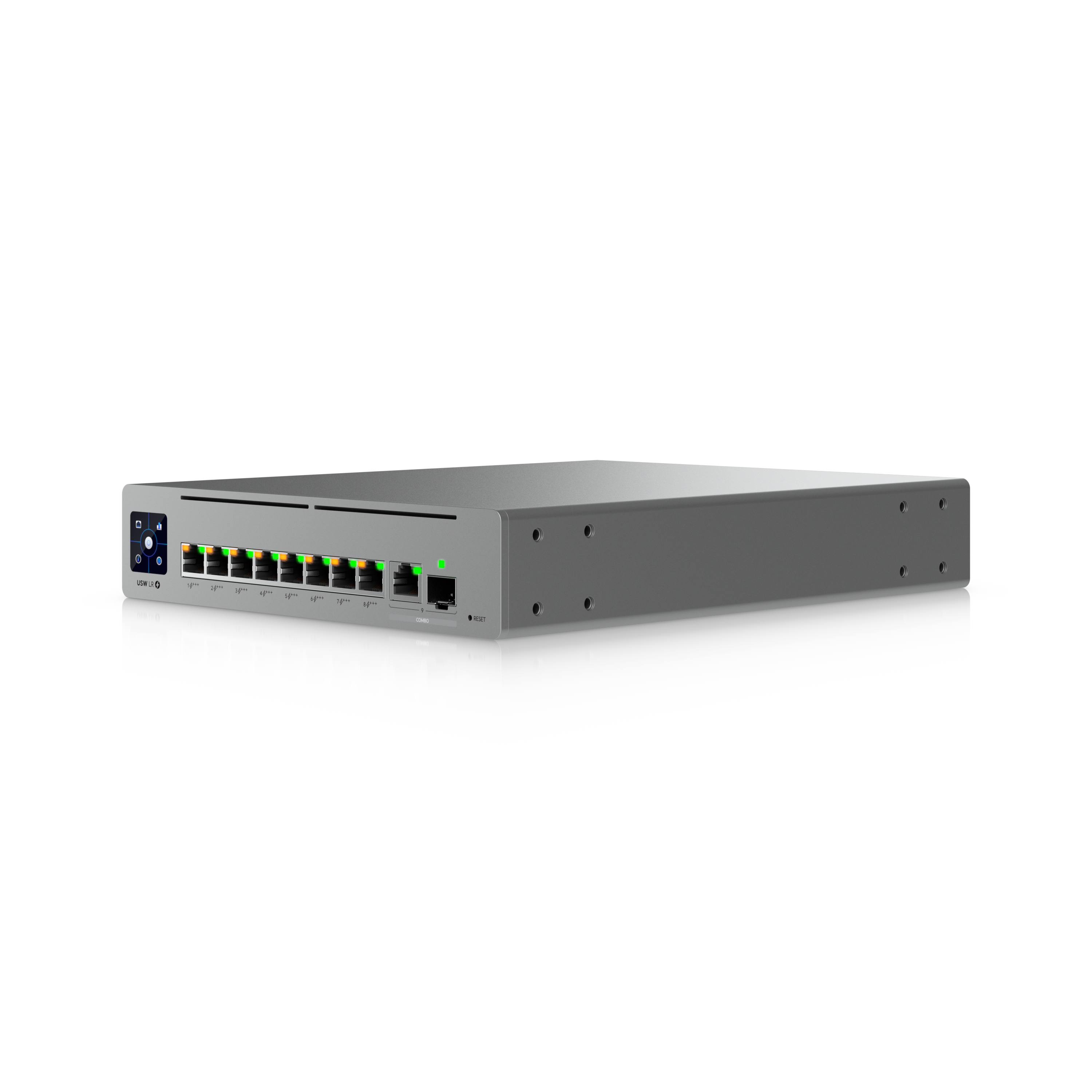
- USW-LR-Switch-8-PoE switch: eight long-range PoE+++ ports (up to 90 W per port, 630 W total), plus one 1GbE RJ-45 port, one 1GbE SFP port and a 1.3" touchscreen. US store list price: $249.
- UACC-LR-Endpoint outdoor endpoint: installed at the remote end of each run. It's IPX5-rated and includes surge protection. Without it, the limit stays at 100 meters. From $99.
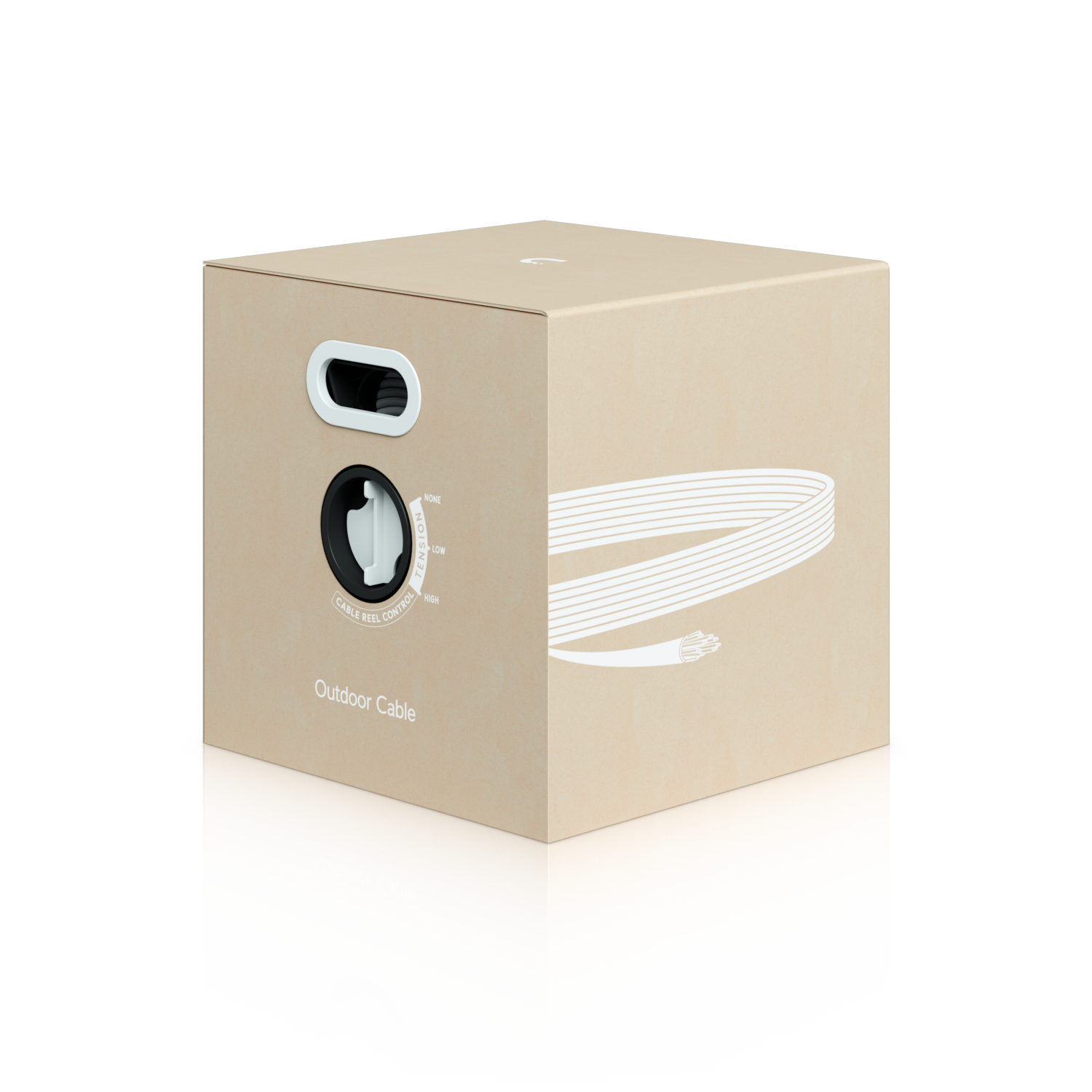
- Official Ubiquiti outdoor cable: required to achieve the full range. $149 per 305 m roll.
Now the fine print, which is the useful part. Power and speed drop with distance:
| Distance | Power available at the endpoint | Typical speed |
|---|---|---|
| 100 m | up to 71.3 W | 100 Mbps |
| ~200 m | ~51 W (the limit for a 51 W PTZ camera) | 100 Mbps |
| ~400 m | less than the above (see the official chart) | 100 Mbps |
| 800 m | 13 W | 10 Mbps |
That's not a flaw, it's physics. But it defines what the system is for: low-power, low-bandwidth devices such as efficient fixed cameras, access readers, sensors and controllers.
Use Cases
Perimeter security. Fixed cameras along fences, corners and entrances far from the main building. This is the most natural fit within UniFi's physical security lineup. Pick low-power models and tune the video bitrate so the link stays stable.
Agriculture. Irrigation, soil moisture and weather sensors, plus cameras at farm entrances, without running fiber or installing solar panels at every point.
Industry and logistics. Gate access control, cameras in yards and sensors in outdoor storage areas across industrial parks.
Parking lots. Readers, entry and exit cameras and barrier controllers in large lots or spread across multiple zones.
Large buildings and campuses. Isolated points like guard booths, remote technical rooms or access towers where a traditional network cable simply isn't an option.
It's also worth being clear about where it's not the best choice: anything that needs gigabit speeds, or high-power devices at long distances. If you're considering outdoor Wi-Fi access points or PTZ cameras, check the official chart to see how far each one reaches based on its power draw, and keep in mind the maximum link is 100 Mbps. For demanding loads, fiber remains the answer.
Comparison With Fiber + Local Power
| Aspect | UniFi Long-Range | Fiber + local power |
|---|---|---|
| Reach | Up to 800 m | Kilometers |
| Cables per point | One (data + power) | Fiber + electrical line |
| Power at destination | Up to 13 W at 800 m | Depends on the installed source |
| Speed | 100 Mbps up to ~400 m, 10 Mbps beyond | 1 Gbps or more |
| Civil work and permits | Minimal | Higher (conduit, utility connection) |
| Equipment at the far end | One endpoint | Media converter, power supply, protection |
| Best for | Fixed cameras, access, sensors | High bandwidth, long distances, demanding devices |
The honest takeaway: it doesn't replace fiber, it complements it. When the device is small, the distance is moderate and there's no power nearby, it simplifies the project enormously.
A Case: The Distribution Center
(Illustrative example only, not a real client.)
A distribution center has its comms room in the main building. It needs three low-power fixed cameras at 150 m, 350 m and 600 m, plus a gate access reader at 450 m.
The traditional approach means four fiber runs with local or solar power, plus converters and protection. With UniFi Long-Range, it's four cable runs with one endpoint each, all powered from a single switch inside the building.
The design key: choose devices rated 13 W or less so they work at any distance, and set the far cameras to a moderate bitrate, since beyond ~400 m the link runs at 10 Mbps.
For reference on cost (US list prices, subject to change): the switch is $249, the endpoint starts at $99 and a 305 m roll of outdoor cable is $149. Ubiquiti doesn't currently offer a continuous 800 m cable, so the route needs to be planned around that length.
UniFi Integration and No Licensing Fees
If you already run UniFi, the switch is managed from the same platform as the rest of your network and physical security, as described in UniFi's switching lineup: cameras, access control, and wired or wireless devices. One dashboard, one language.
Ubiquiti also positions it as completely license-free, which removes recurring subscriptions and keeps long-term budgeting simple. To plan your project before buying, you can use the UniFi Design Center.
How V-Corp International Can Help
A long-range project is won or lost in the design. Before buying anything, you need to measure real distances, calculate power draw, choose compatible cameras, plan the cable route and protect exposed points.
At V-Corp International, we support you through the whole process:
- On-site assessment of distances and power requirements
- Solution design, including a comparison against fiber where it makes sense
- Supply and installation of equipment and cabling
- Configuration and integration into your UniFi ecosystem
- Ongoing support
Want to See It in Action?
Ubiquiti put together a video with all the details of the system at work.
👉 Watch the video with UniFi Long-Range details
Technical data and prices reflect information published by Ubiquiti and trade media as of November 2026. They may change; always confirm on the official product page.