Best Network Hardware for SMBs Without License Fees
If you run a small or medium-sized business (SMB), your network is not just an IT asset: it is the nervous system of your entire operation. When it goes down, point-of-sale (POS) systems freeze, VoIP calls drop, IP cameras stop recording and cloud applications become unreachable. For a restaurant, clinic, hotel or store, that means lost sales and frustrated customers within minutes.
The old dilemma: two options, both with problems
 For years, SMBs have been told they must pick one of two paths:
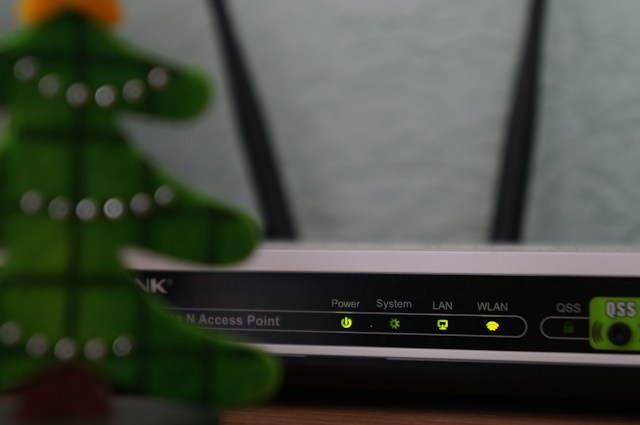
- Consumer routers. They are cheap, but built for a home. They tend to overheat, choke under many simultaneous clients and offer few security and segmentation features (for example, no VLANs to separate the POS network from guest Wi-Fi).
- Traditional enterprise hardware. Very reliable, but with high upfront costs and recurring licenses or subscriptions billed per device per year, which eat into your margin.
The landscape has changed. Many SMBs now deploy a middle path: enterprise-grade hardware with centralized management and far friendlier licensing models. Here is how to choose.
What a network outage really costs
An outage costs more than time. ITIC's 2024 Hourly Cost of Downtime survey, which polled over 1,000 firms worldwide, indicates that the cost of an hour of downtime keeps climbing. Those figures are global and may not reflect your market, so calculate your own with a simple formula, like the one ManageEngine explains:
Downtime cost per hour = lost revenue + idle staff cost + recovery labor + penalties (SLAs)
If your business bills by transaction (a restaurant, a pharmacy, a hotel), the number is often surprising, and it usually justifies a well-designed network.
Before choosing a brand: six technical criteria
- Simultaneous devices: laptops, phones, POS, cameras, IoT. Serving 30 customers is not the same as serving 300.
- Management model: on-premises controller, dedicated hardware or cloud. It affects cost, privacy and remote access.
- PoE budget: Power over Ethernet (PoE/PoE+) saves power outlets for access points, cameras and IP phones, but your switch must have enough wattage.
- VLAN segmentation: separating POS, guests, management and cameras reduces risk and improves performance.
- Roaming and Wi-Fi standard: look for 802.11k/v/r so devices move between access points without drops, and choose between Wi-Fi 6, 6E or Wi-Fi 7 based on your investment horizon.
- Warranty and regional support: it varies by country and product line. Confirm it with your distributor before buying.
The "license-free" group: Ubiquiti and TP-Link
If you want centralized management, intuitive dashboards and minimal recurring costs, these two brands are SMB benchmarks.
Ubiquiti UniFi: full control and scalability
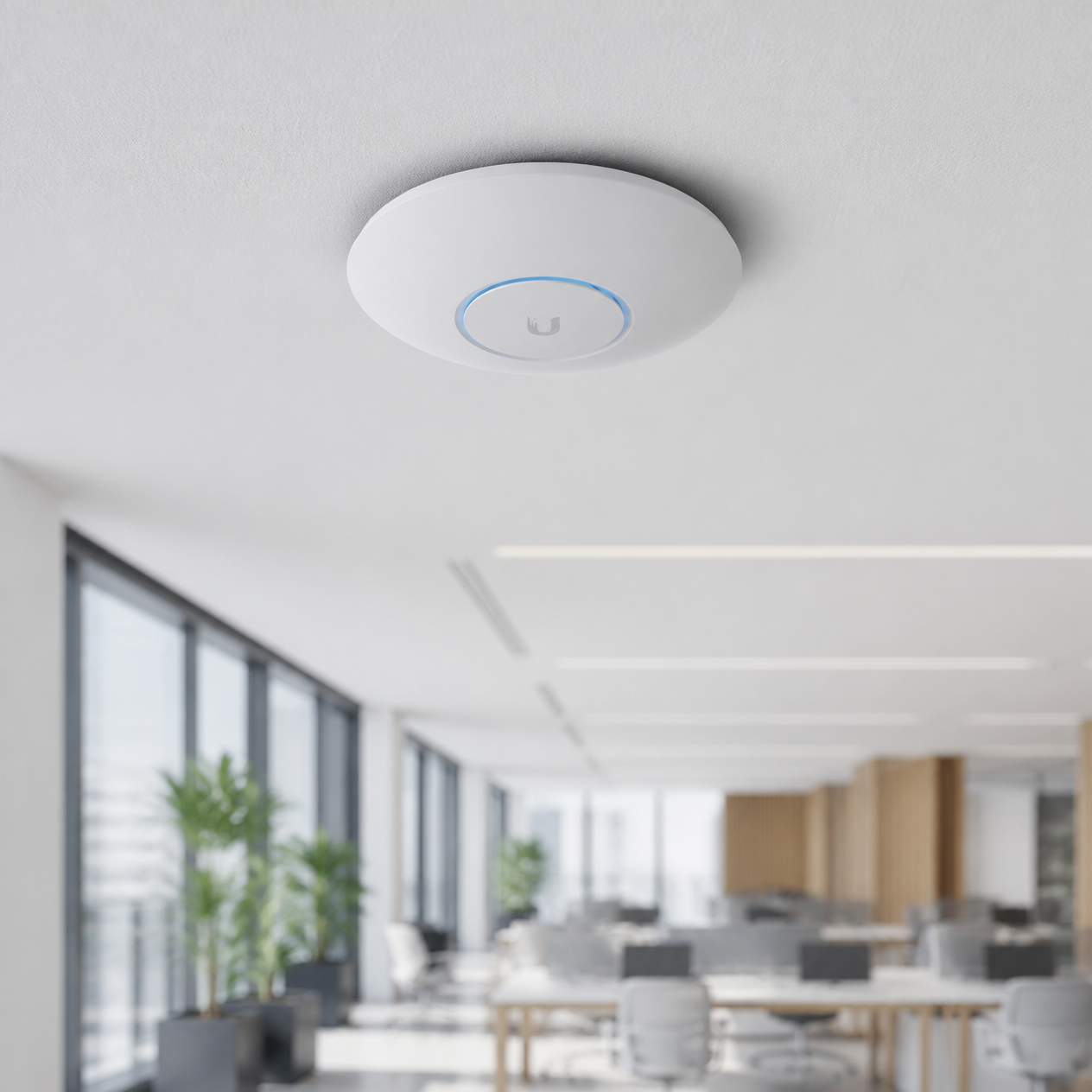
UniFi is built for those who want full control from a single screen. It offers enterprise-grade features such as smooth roaming, advanced VLANs and multisite management, and it scales well for growing offices and hotels. Ubiquiti promotes a license-free model: in its official blog post on UniFi OS Server, it explains that you can self-host the UniFi Network control plane on your own server with no license fees, while keeping cloud connectivity if you want it. Paid cloud hosting, from Ubiquiti or third parties, is optional.
Best for: growing offices, hotels, multi-location chains and teams with a technician who wants fine-grained control.
TP-Link Omada: accessible, complete SDN
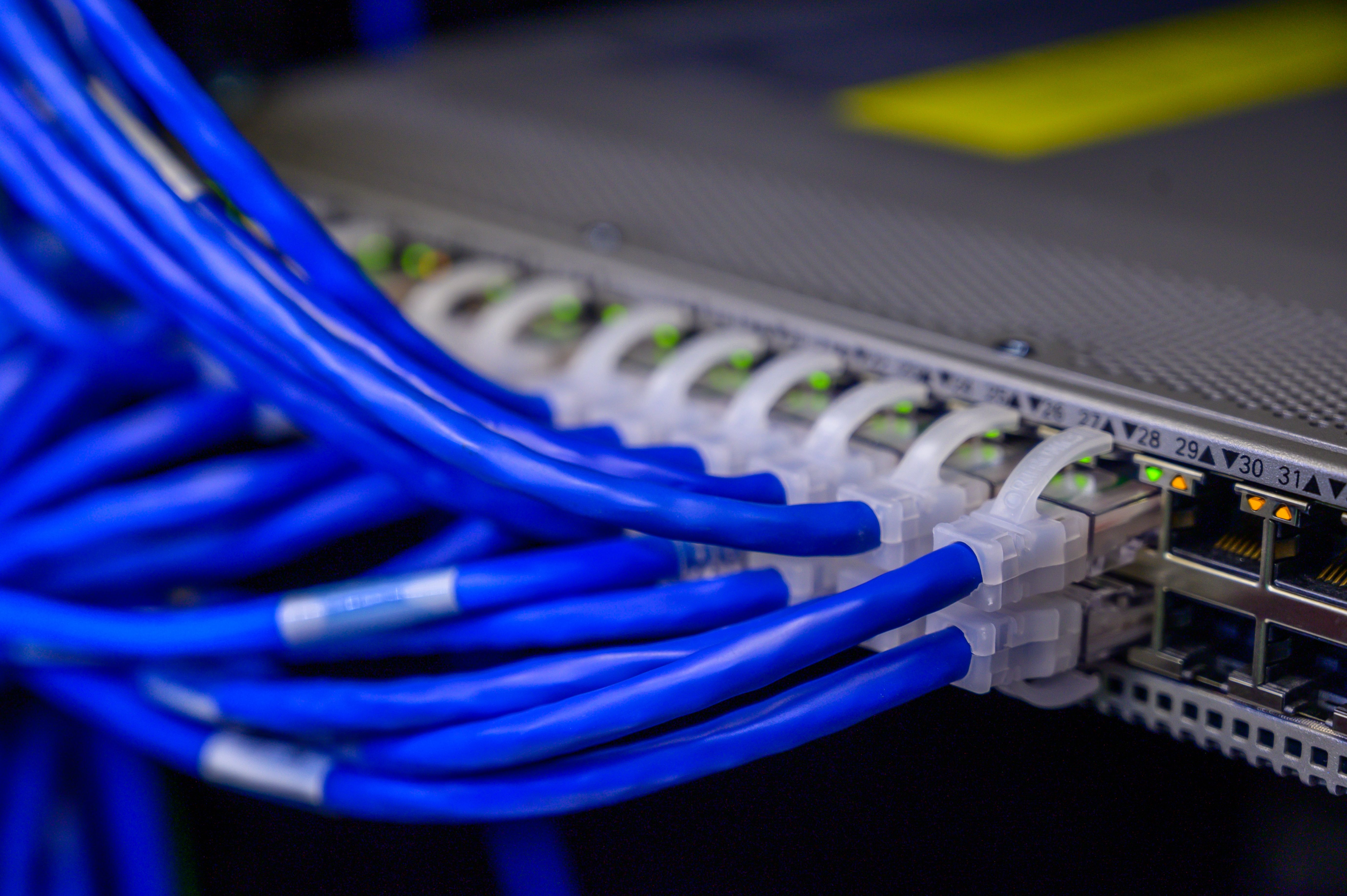
Omada is TP-Link's software-defined networking (SDN) platform. It integrates access points, switches and gateways under one interface, according to its official solutions page. It offers Wi-Fi 7, 6 and 5, seamless 802.11k/v roaming and features like a single SSID with different VLANs and passwords, as its technical brochure details.
An important nuance: per that same document, the hardware and software controllers are free, but the Cloud-Based controller carries a per-device license fee in its standard version. If zero recurring cost is your priority, choose the local controller.
Best for: restaurants, small clinics and offices that need modern, reliable Wi-Fi on a tight budget.
The workhorses: Netgear and TRENDnet
Sometimes you just need hardware that works flawlessly day after day, without complex setups.
Netgear
Its smart switches and access points are the backbone of countless SMBs. They deploy easily, and many managed lines (Smart Managed Plus and Pro) include a limited lifetime warranty, while cloud-managed Insight switches typically come with five years, according to Netgear's official community. For remote management, the Insight platform offers an app and a web portal with subscription plans (Basic and Premium), so its recurring cost depends on the plan you choose.
Best for: offices and stores that prioritize stability and easy deployment.
TRENDnet
Known for affordable, plug-and-play solutions, it is ideal for small stores or offices that need to expand their wired network quickly, including PoE switches. Watch the warranty: TRENDnet announced a limited lifetime warranty on its metal-housing switches, but only for purchases made in the United States and Canada. In LATAM and the Caribbean, confirm with your distributor which coverage applies.
Best for: small stores, offices and quick cabling expansions.
The high-density specialist: Ruckus
When hundreds of devices connect at once (a busy Caribbean hotel, a large school or a manufacturing plant), standard Wi-Fi fails. Ruckus' BeamFlex adaptive antenna technology reconfigures the signal beam hundreds of times per second to steer around obstacles and interference, and according to a CommScope technical paper it can choose among more than 4,200 antenna patterns. Its Unleashed access points also work without a dedicated controller, simplifying deployment at mid-sized sites.
It is premium hardware. In high-density environments it is usually justified by fewer outages and fewer user complaints, but it should be validated with a prior design and coverage survey.
Best for: hotels, schools, event venues and industrial plants.
Quick comparison
| Brand | Best for | Management | Cost model |
|---|---|---|---|
| Ubiquiti UniFi | Full control, multisite, hotels | Local, dedicated hardware or cloud | License-free software; optional paid cloud hosting |
| TP-Link Omada | Tight budgets with SDN | Hardware, software or cloud controller | Local is free; standard cloud has a per-device license |
| Netgear | Stability and simplicity | Insight app and portal, or local web | Insight has subscription plans; warranty varies by line |
| TRENDnet | Quick cabling expansion | Web and cloud service | Affordable; lifetime warranty only in the US and Canada |
| Ruckus | High density | Unleashed (controller-free) or controller/cloud | Premium hardware; licensing depends on the solution |
What network does your business need?
This guide is orientative and does not replace an assessment:
| Your case | Suggested direction |
|---|---|
| Restaurant or small clinic | TP-Link Omada or UniFi |
| Office of 10 to 50 people | UniFi, Omada or Netgear |
| Retail store with POS | Netgear or TRENDnet + VLAN segmentation |
| Hotel or resort | UniFi or Ruckus (depending on density) |
| School or industrial plant | Ruckus |
Your network is also an attack surface
A good network is not enough if email and data are unprotected. VLAN segmentation limits a threat's lateral movement, but phishing and ransomware still enter through email and cloud accounts. That is why infrastructure and security should be designed together. If that side interests you, read our guide on BarracudaONE and AI cybersecurity for LATAM and the Caribbean or explore the Barracuda portfolio.
The bottom line for your business
A network outage costs time, sales and credibility. By working with a consultative technology partner, you can combine these brands to build infrastructure sized to your business, whether for 10 employees or 200: Wi-Fi where it is needed, switches with enough PoE, VLANs that isolate what is critical and management your team can sustain.
Frequently asked questions
Which network brand is best for an SMB?
It depends on your size, your number of devices and who will manage the network. UniFi and Omada stand out for centralized management and low recurring costs, Netgear and TRENDnet for simplicity, and Ruckus for high density.
Do Ubiquiti and TP-Link really charge no licenses?
Ubiquiti does not charge licenses for its UniFi management software. TP-Link does not charge for its local hardware and software controllers, but its standard cloud controller carries a per-device license. Confirm by model and version.
When does Ruckus make sense?
When you have many simultaneous devices or heavy interference, such as hotels, schools, event venues and industrial plants.
Is my current network ready to grow?
A technical assessment will tell you. Our engineering team can review your topology, Wi-Fi coverage and points of failure.
Is your network ready for your growth?
Don't let an outage prove it for you. Write to us to request more information about any of our solutions or to schedule a free network assessment with our engineering team.
📩 Email us at sales@vcorpintl.com
V-Corp International, your consultative technology partner: we help you choose, implement and sustain the right technology.